
Free Bulk QR Code Generator for Excel and CSV Files
Generate bulk QR codes from Excel or CSV files online. Free batch QR code generator with Excel import, instant ZIP/PDF/SVG export, and no signup needed to get started.
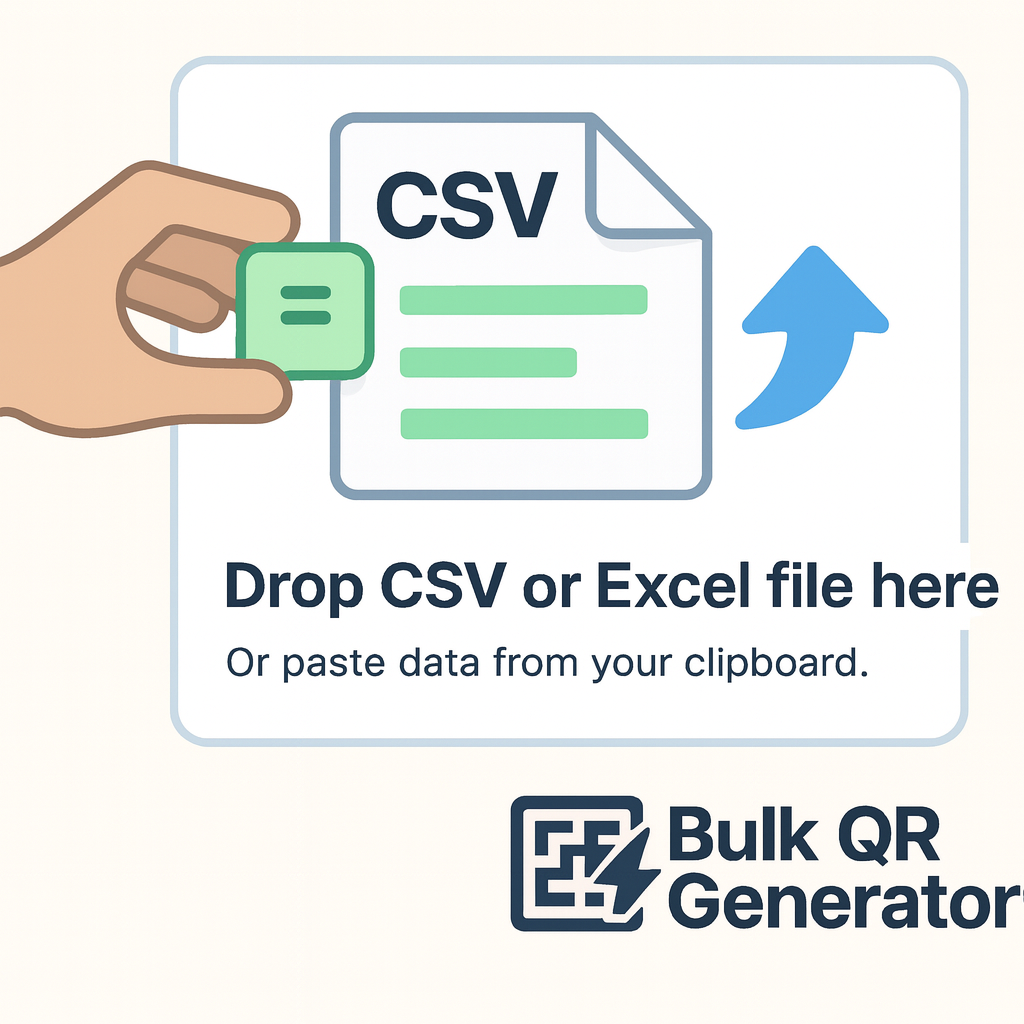
Upload CSV or Excel files containing your data. Each row will generate a QR code or barcode. Free users can generate up to 100 codes per batch - perfect for bulk processing existing datasets.
Drag and drop or click to upload files
Supports CSV, XLSX, XLS, TSV formats
Buy credits to generate more than 100 codes
Free users: Up to 100 codes per batch
Real-time Preview
Product One
https://example.com/product1
Product Two
https://example.com/product2
UI
https://www.bulkqrcodegenerator.art/zh
Item 4
https://example.com/product4
Preview shows first 4 sample data entries
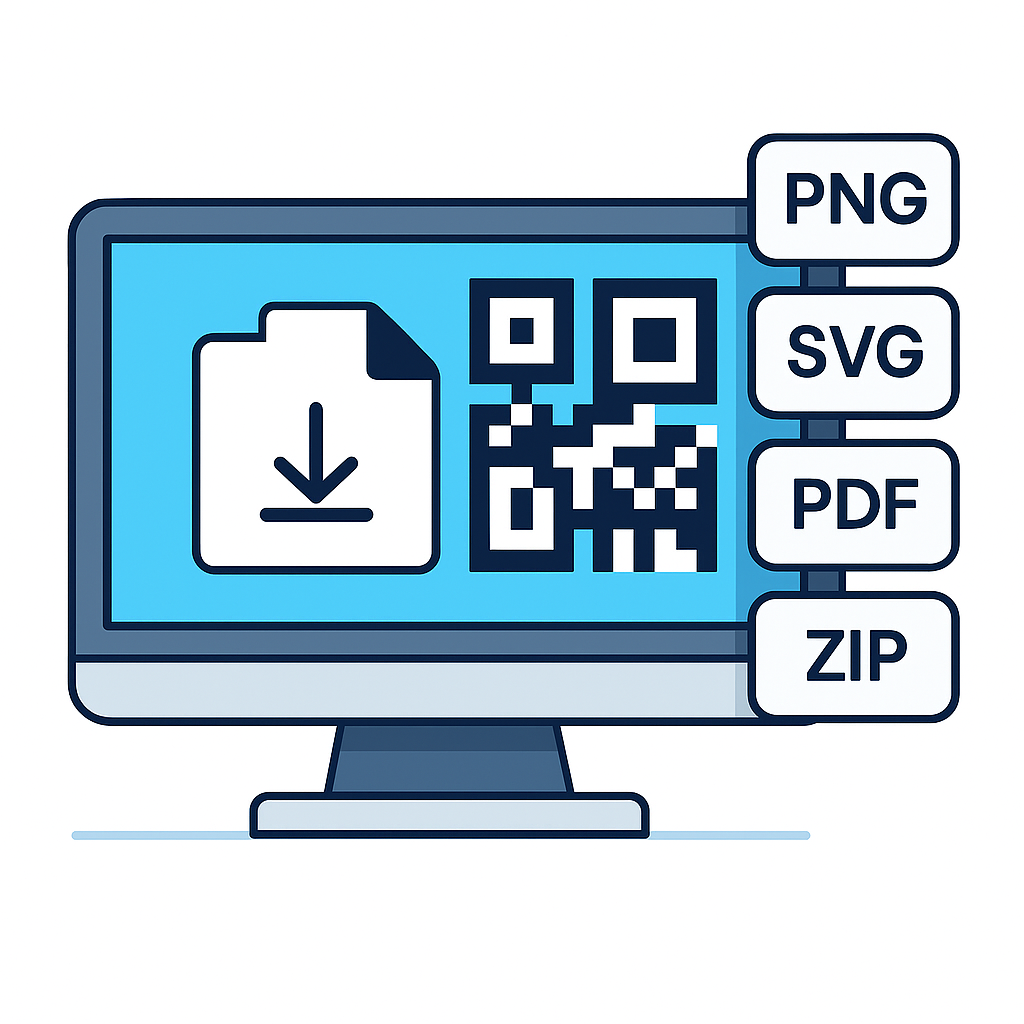
Batch Download Options
Download all 4 codes as a ZIP archive or PDF document
How to Generate Bulk QR Codes from Excel in 3 Steps
A simple workflow for teams that need to generate bulk QR codes from Excel or CSV files in minutes.

Bulk QR Code Generator Use Cases, from Excel Sheets to Real Operations
Use bulk QR codes and barcodes for operations, campaigns, tickets, catalogs, and physical assets.
Asset Labels
Equipment tracking, inventory management, and asset identification with unique QR codes linking to maintenance records.
Event Tickets
Secure entry tickets for conferences, concerts, and events with QR codes for quick scanning and validation.
Membership Cards
Digital membership cards with QR codes linking to member profiles, loyalty programs, and exclusive content.
Educational Barcodes
Student ID cards, library book tracking, attendance systems, and educational resource access codes.
Product Traceability
Supply chain tracking, authenticity verification, and product information access for manufacturing and retail.
Restaurant Menus
Contactless digital menus, table ordering systems, and promotional campaigns with trackable QR codes.
Frequently Asked Questions
Everything you need to know about free bulk QR code generation, Excel imports, batch exports, and barcode workflows.
How do I generate bulk QR codes from an Excel file?
Upload an Excel or CSV file with one QR code value per row, preview the batch, and export the results as ZIP, SVG, PDF, or PNG. This is the fastest way to generate bulk QR codes from Excel without manual repetition.
Is this a free bulk QR code generator with Excel import?
Yes. The tool is designed for free bulk QR code generation with Excel and CSV import, so you can upload spreadsheets and create batch QR codes online without changing your existing file workflow.
Can I generate bulk QR codes online without signup?
Yes. You can start generating bulk QR codes online immediately, test the workflow with your Excel or CSV file, and export results without adding unnecessary friction.
Can I generate bulk QR codes for Excel rows with custom filenames?
Yes. You can map rows from Excel or CSV files into individual QR codes and keep filenames organized for downloads, labels, product sheets, or operational batches.
Can I bulk generate Code 128 barcodes from Excel too?
Yes. If your workflow needs inventory labels or product identifiers, you can upload Excel or CSV files and generate Code 128 barcodes alongside QR codes in the same batch-oriented workflow.
What makes this a good batch QR code generator for teams?
It combines Excel import, bulk generation, fast export formats, and practical customization. That makes it useful for operations teams, marketers, event managers, and developers who need repeatable batch QR code workflows.
Can I add logos and custom colors to bulk QR codes?
Yes. You can customize colors, size, and logos before exporting your batch, which is useful for branded campaigns, packaging, internal assets, and customer-facing materials.
Do you support mass QR code generation for large files?
Yes. The product is built for mass QR code generation, whether you are working with product catalogs, event tickets, labels, or spreadsheet-driven batch jobs.
Generate Bulk QR Codes from Excel Free
Start with your Excel or CSV file, generate batch QR codes online, and export them in the format your workflow already needs.